Many website owners treat broken links as a minor inconvenience. They assume a few dead pages will not harm their overall digital presence. In the era of AI Search and Large Language Models (LLMs), this assumption is a costly mistake.
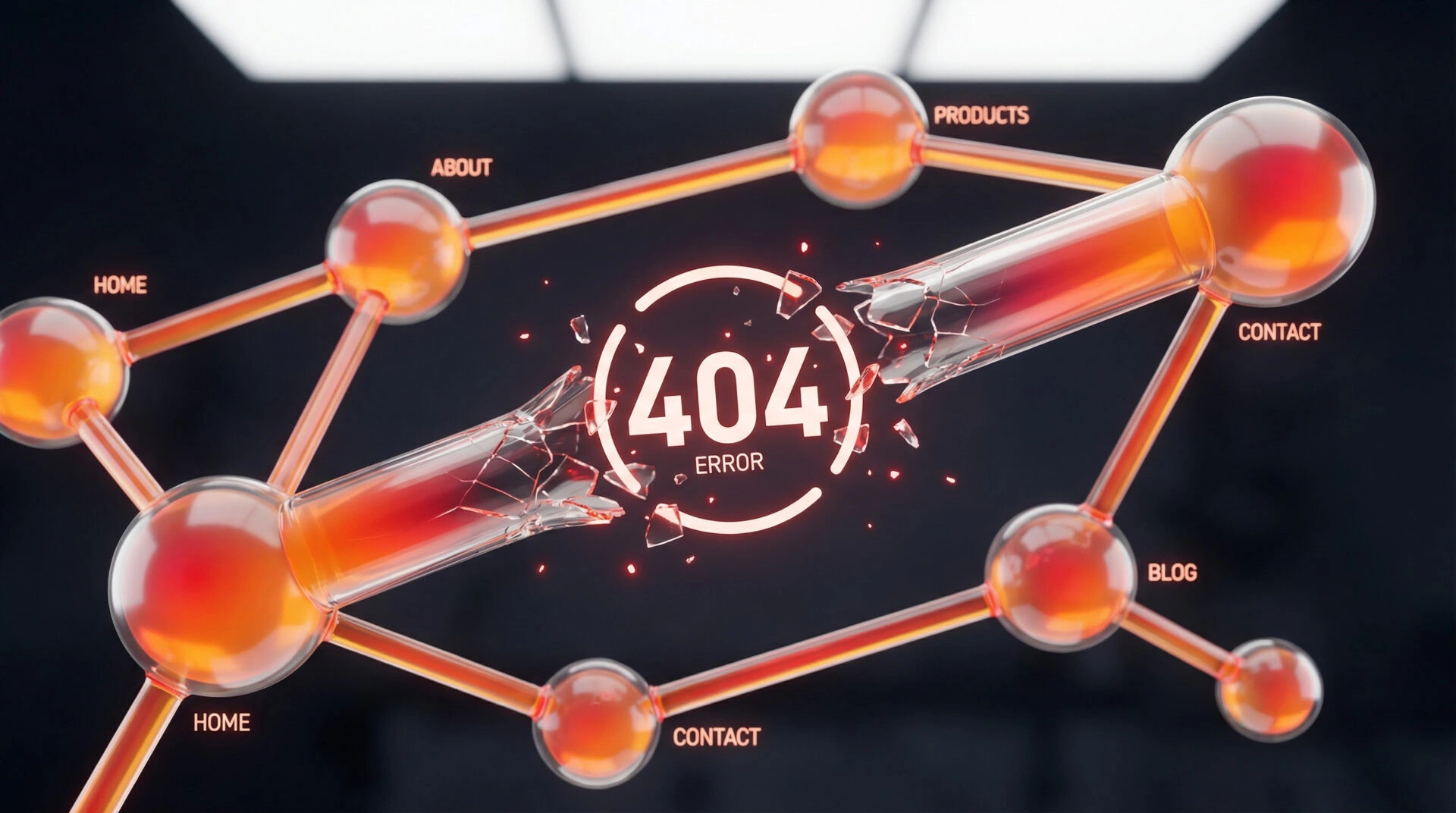
A website is not a collection of isolated pages. It is a highly interconnected Knowledge Graph. When you have broken links, you are not just frustrating a human user. You are actively severing the semantic relationships that Google relies on to understand your business. This guide will show you how to identify these structural fractures and repair your technical architecture to recover lost visibility.
Why Broken Links Are Silent SEO Killers
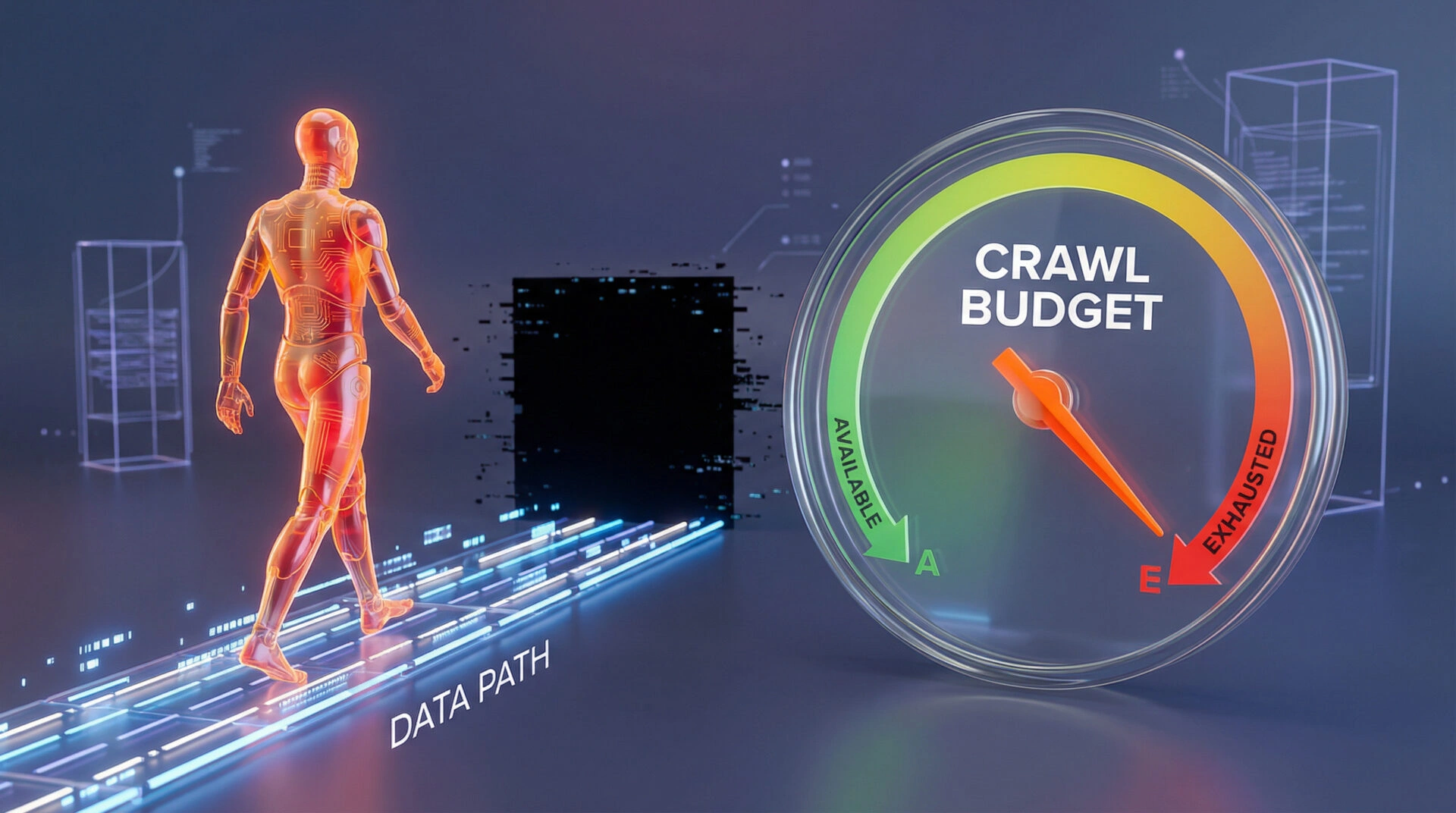
Search engines allocate a specific “crawl budget” to your domain. This budget dictates how much time an AI bot will spend reading your site. When a crawler hits a broken link, it stops. That dead end wastes your crawl budget and prevents the bot from discovering your high-value content. If an AI cannot extract your data efficiently, it will not cite your brand as an authority in Search Generative Experience (SGE) overviews.
What Are Broken Links and Why Do They Happen?
A broken link occurs when a URL points to a destination that no longer exists or cannot be found by the server. They typically happen when you delete old blog posts, change a URL slug without setting up a redirect, or when an external website you linked to goes offline.
Common HTTP Status Codes (404 vs 410)
To fix your architecture, you must understand the language of web servers.
- 404 (Not Found): The server cannot find the requested resource. The server does not know if the page is missing temporarily or permanently.
- 410 (Gone): The resource has been intentionally removed and will not return. This is a deliberate signal telling Google to permanently de-index the URL.
The Impact on User Experience and Google Rankings
When human users click a link and see an error page, their immediate reaction is to leave your site. This behaviour increases your bounce rate and signals low quality to search engines. From a technical perspective, broken internal links destroy your “Entity Salience” (how well an AI search engine understands, connects, and trusts the relationships between your brand and its core topics). The algorithms rely on internal linking to pass authority from one page to another. A broken link breaks that chain, diluting your overall topical authority.
How to Find Broken Links on Your WordPress Site
Do not wait for users to complain about dead pages. Proactive architecture requires routine structural audits using professional tools.
Using Google Search Console (Free Method)
Google Search Console (GSC) is your absolute source of truth. It tells you exactly which broken links Googlebot has discovered.
- Log in to Google Search Console.
- Navigate to the Pages report under the Indexing section.
- Scroll down to the “Why pages aren’t indexed” panel.
- Click on Not found (404).This report provides a definitive list of the URLs that are currently wasting your crawl budget.
Using SEO Audit Tools (Ahrefs, Semrush, Screaming Frog)
For enterprise sites, GSC is often not enough because it only reports what Google has already crawled. To find broken links before Google sees them, technical architects use desktop crawlers like Screaming Frog SEO Spider. This tool simulates an AI crawler, scanning every internal and external link on your site in minutes and producing a comprehensive diagnostic report.
Using the Broken Link Checker Plugin
Many WordPress beginners install the free “Broken Link Checker” plugin from the official repository. This tool runs in the background of your WordPress dashboard and highlights dead links. While it is accessible, relying on it is a severe architectural error for large sites, as we will discuss in the expert insight section below.
How to Fix Broken Links in WordPress: 4 Proven Methods
Once you have identified the structural fractures, you must apply the correct technical fix.
Method 1: Updating the Link Target (Manual Fix)
If you linked to an external website that has moved its content, the best solution is to edit your page and update the link. This preserves the flow of information and ensures that AI answer engines can still verify your outbound citations. Simply log into WordPress, locate the specific text, and replace the dead URL with the correct, live destination.
Method 2: Setting Up 301 Redirects with a Redirection Plugin
When you change a URL on your own site, you must build a bridge from the old address to the new one. A 301 redirect tells search engines that the content has permanently moved. You can manage this easily using a lightweight plugin like “Redirection”. By mapping the broken 404 URL to the new, relevant page, you preserve the historical SEO value and pass that authority to the new destination. When building your redirect map, always point directly from the old URL to the final destination. Redirect chains, where one URL redirects to another which then redirects again, dilute the transferred authority and increase page load times.
Method 3: Deleting or Unlinking content
Sometimes, content is simply obsolete. If an external source shuts down permanently and no replacement exists, you must remove the hyperlink entirely. If you have deleted one of your own pages and have no relevant alternative to redirect it to, you should serve a 410 Gone status. This explicitly tells search engines to drop the page from their index immediately.
Method 4: Fixing Broken Images and Media Files
Broken images appear as missing file icons and severely harm your visual SEO. Search engines use image context to understand page topics. If an image path is broken, you lose this semantic value. You must locate the broken media URL in your WordPress Media Library and either re-upload the file to the exact path or update the image block to point to the correct file name.
Expert Insight: The Dangers of Over-Relying on Broken Link Plugins [E-E-A-T Section]
As a Technical SEO Architect, I must warn against the common practice of using WordPress plugins to monitor broken links continuously.
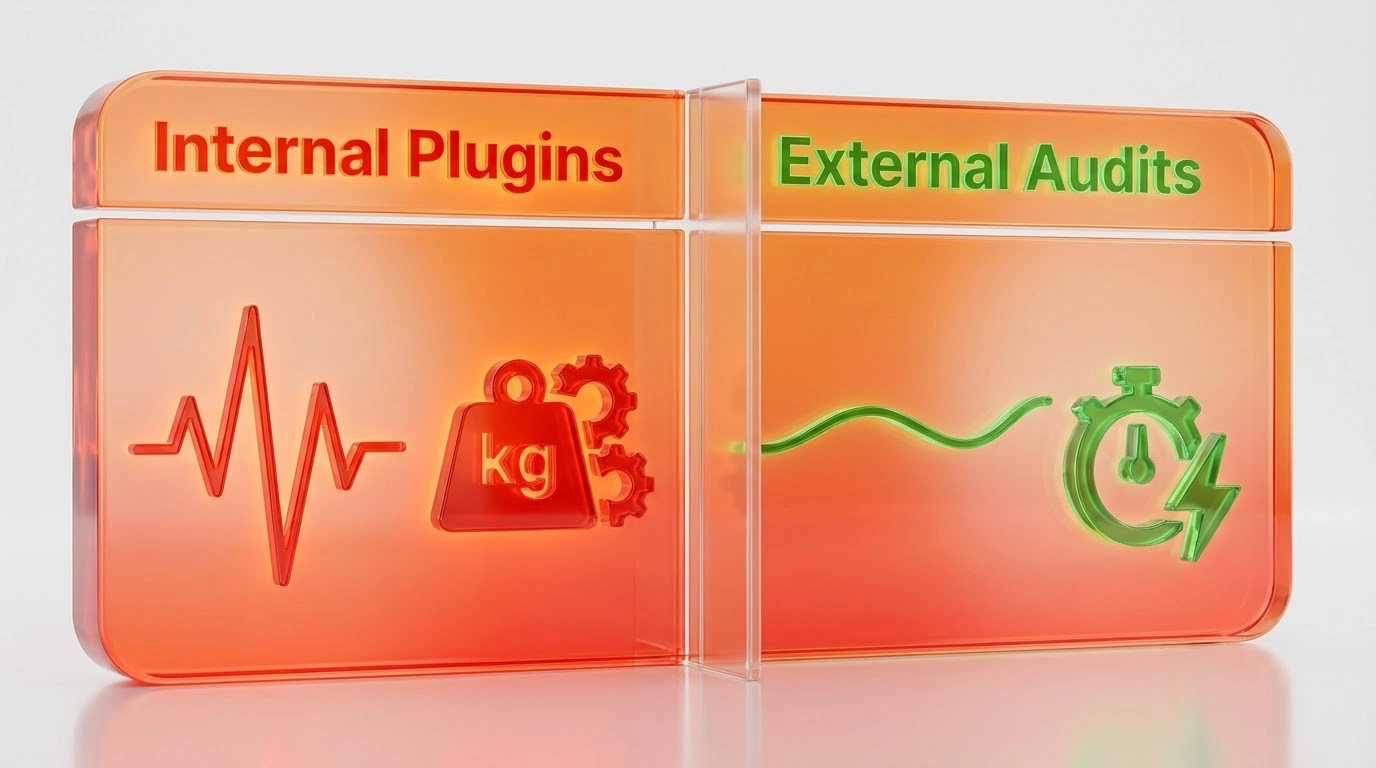
Why Continuous Scanning Can Slow Down Your Server
Plugins like “Broken Link Checker” are notoriously resource-heavy. They force your WordPress server to constantly ping external websites to see if links are alive. This process consumes massive amounts of PHP memory and database queries. For a corporate or e-commerce site, this constant background scanning can exhaust server resources, causing your site to load slowly for actual customers. Slow load times directly harm your Core Web Vitals, causing your rankings to drop.
My Recommended Workflow for Large Sites
Enterprise websites should never use internal server resources to perform external SEO audits. Instead, offload the work. Use a desktop crawler like Screaming Frog or a cloud-based tool like Ahrefs to scan your site monthly. Once the external tool identifies the broken links, log into WordPress and fix them using the Redirection plugin. This method protects your server infrastructure while maintaining perfect technical health.
Technical SEO Architect: The Foundation for Enterprise Growth

Technical SEO Architecture: The Blueprint Before the Website Revamp
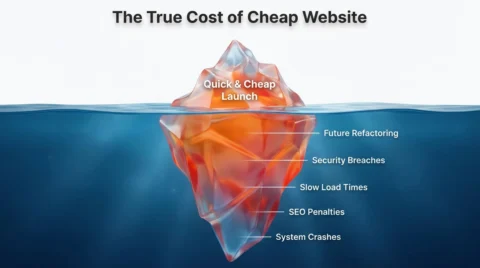
The Hidden Cost of Cheap Web Development: Why Technical Debt Kills Scalability
Advanced Strategy: Fixing Broken Backlinks (Inbound Links)
Internal broken links are frustrating, but broken inbound links cost you money. When another website links to a page on your site that no longer exists, you lose highly valuable referral traffic and domain authority.
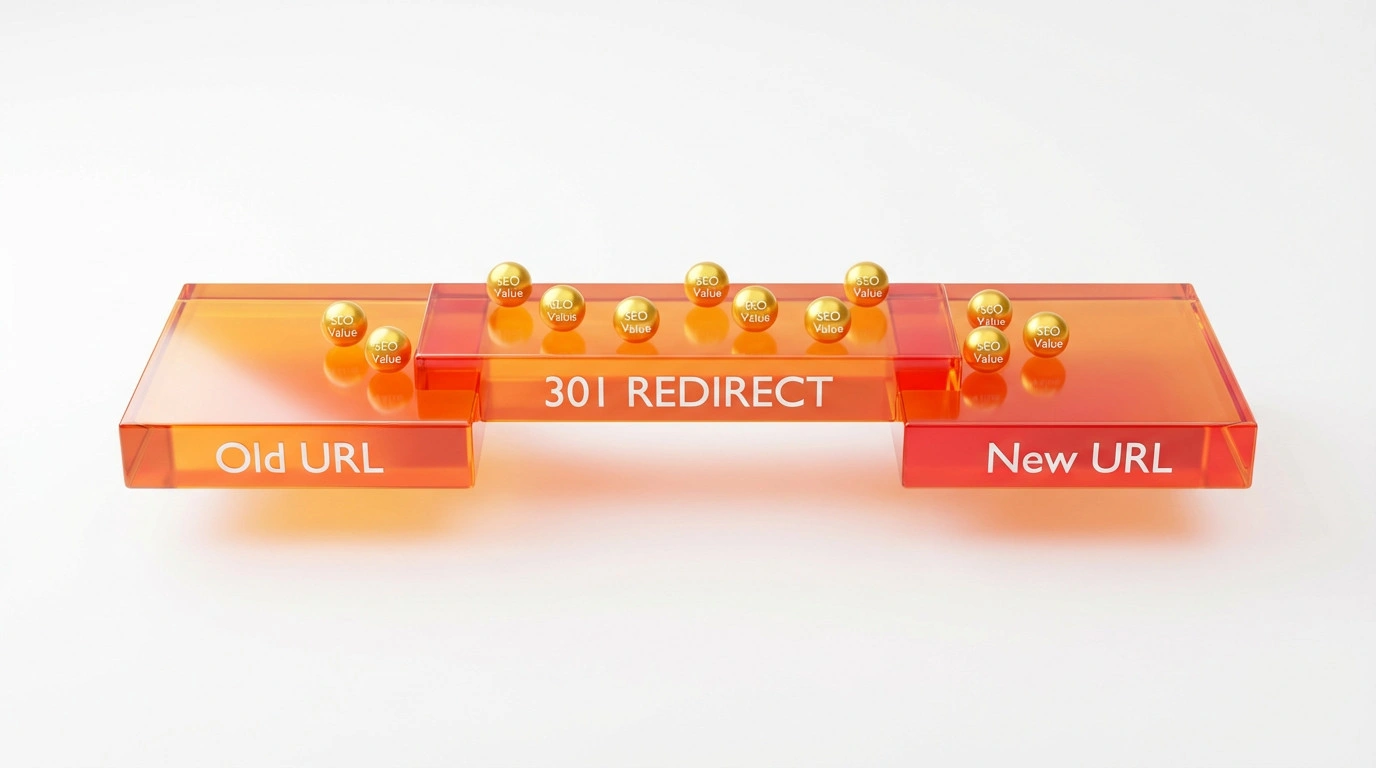
Recovering ‘Link Juice’ from External Sites
To reclaim this lost authority, use an SEO tool like Ahrefs to find your “Broken Backlinks”. This report shows you all the external sites linking to your 404 pages. Once you identify these high-value dead ends, set up precise 301 redirects to point those broken URLs to the most relevant live page on your site. This instantly recovers the lost topical authority.
Using Outreach to Fix External Broken Links
For highly authoritative links (such as a citation from a major news portal or a government site), a 301 redirect is good, but a direct link is better. Contact the webmaster of the linking site. Politely inform them that they are linking to a dead page and provide the updated URL. Webmasters appreciate this because fixing dead links improves their own site architecture.
Preventing Future Link Rot: Best Practices
Link rot is the natural degradation of hyperlinks over time. You cannot stop the internet from changing, but you can build a resilient architecture.
Regular Maintenance Schedules
Website maintenance is not just about updating software; it is about asset protection. Schedule a structural link audit every quarter. If you publish content daily or operate a large enterprise site, this audit should be conducted monthly. Identifying dead links early prevents them from causing cascading indexing failures. Furthermore, after implementing bulk redirect fixes, always submit an updated XML sitemap to Google Search Console. This vital step forces the AI crawlers to recognise your repaired architecture immediately rather than waiting for their scheduled crawl.
Using Relative vs Absolute URLs
When linking to your own internal pages, developers often debate using relative URLs (e.g., /about-us/) versus absolute URLs (e.g., https://yourdomain.com/about-us/). For WordPress environments, it is generally safer to use absolute URLs. This practice prevents staging environments and migration processes from accidentally creating massive structural loops or 404 errors when moving between domains.
Conclusion: Stop Treating Symptoms and Fix the Architecture
A website littered with broken links is a depreciating digital asset. In an ecosystem where AI models demand perfectly structured data to formulate answers, a 404 error is a silent signal of neglect. By shifting your perspective from basic plugin management to proactive Technical Architecture, you protect your crawl budget, preserve your topical authority, and ensure your business remains the definitive answer in your industry.
If you are relying on free automated plugins to find these structural fractures, your foundation is already at risk. Real search visibility requires proactive, enterprise-grade engineering.
Is Your Digital Asset Leaking Revenue?
Stop guessing if your website architecture is broken. Ulement provides a comprehensive Site Audit & Analysis to uncover hidden 404 errors, convoluted redirect chains, and deep structural flaws that are quietly draining your organic traffic. We do not just give you a list of errors; we map the exact entity relationships needed to restore your Knowledge Graph.
For corporate brands that cannot afford algorithm penalties or technical debt, our proactive Website Maintenance operates as complete infrastructure assurance. We handle the heavy lifting of continuous architectural health checks, ensuring your site remains secure, fast, and perfectly optimised for AI answer engines.
A website littered with broken links is a depreciating digital asset. In an ecosystem where AI models demand perfectly structured data to formulate answers, a 404 error is a silent signal of neglect. By shifting your perspective from basic “plugin management” to proactive Technical Architecture, you protect your crawl budget, preserve your topical authority, and ensure your business remains the definitive answer in your industry.
