Featured snippets are short answers that appear at the top of Google’s search results, above the normal links. They hold the “Position Zero” spot. Ulement uses featured snippets to boost your visibility and feed trusted data to AI tools like ChatGPT and Google Gemini.
The Mechanics of Answer Engines: Why Structure Matters in 2026
Answer Engines are retrieval systems that extract specific data points from web content to construct direct responses for users, bypassing the need for traditional click-throughs. Ulement designs content architectures that satisfy these engines by providing structured, machine-readable data that functions as the primary source for AI-generated summaries.
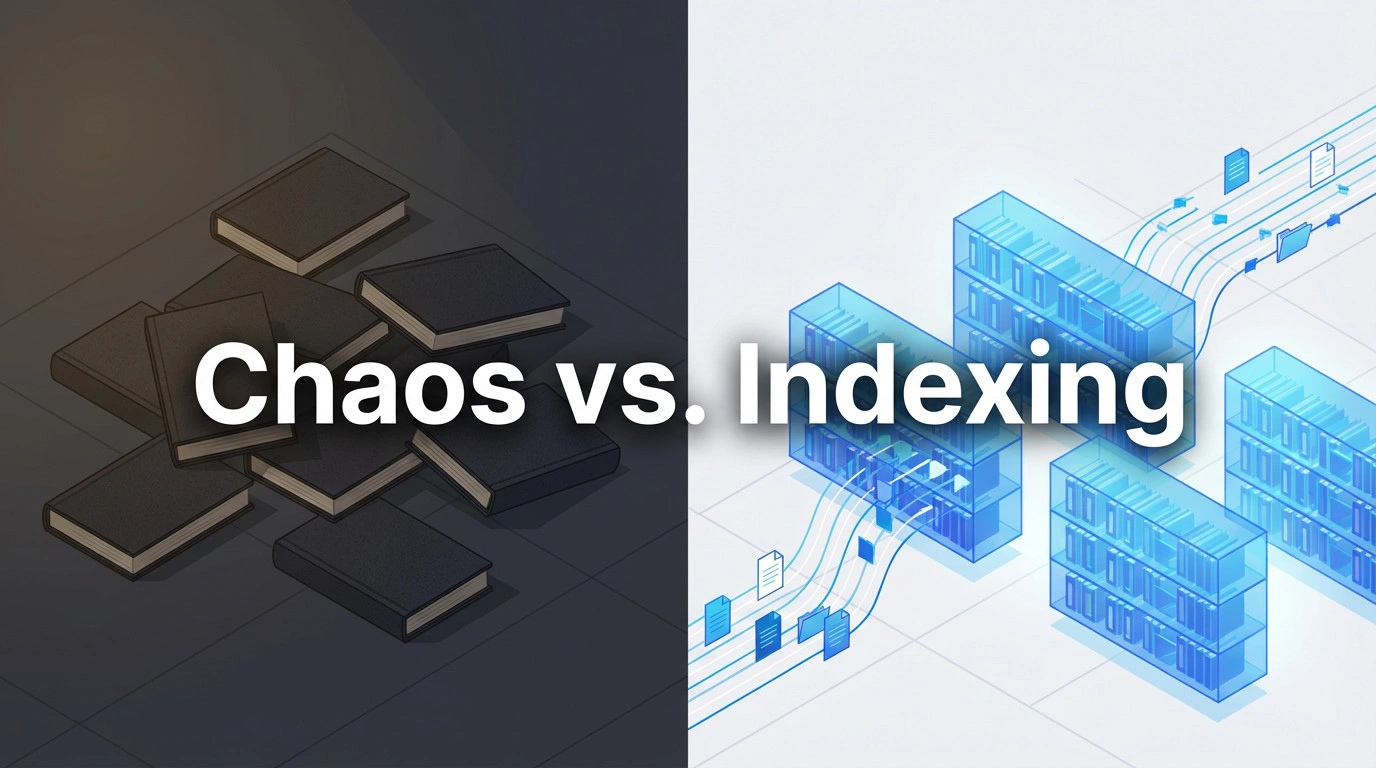
Think of your website as a library. If the books are piled on the floor, unlabelled and chaotic – the librarian (Google) cannot help the visitor (the user). However, if you label the shelves and index the chapters, the librarian can instantly retrieve the exact page needed. In 2026, we are not just organizing for a human librarian; we are organizing for a robotic one that reads at lightning speed.
Search engines use a “feeder” system to train their AI models. When your page wins a featured snippet, it gets tagged as a trusted source. That is why basic SEO is no longer enough. You need clean HTML so AI can read your answers without guessing. If your content is messy, you stay invisible to the AI Overviews now taking over search in Malaysia and beyond.

Mastering SEO, GEO, and AEO for Total Search Dominance

Optimised for LLMs: The Master Guide to Being the AI Answer [year]
NLP Parsing Logic: How Machines Read Your Content
Natural Language Processing (NLP) is a computational linguistic technique that enables machines to understand, interpret, and manipulate human language by analysing sentence structure and entity relationships. Ulement optimises content for NLP by prioritising subject-first sentence structures that clearly link entities to their attributes.
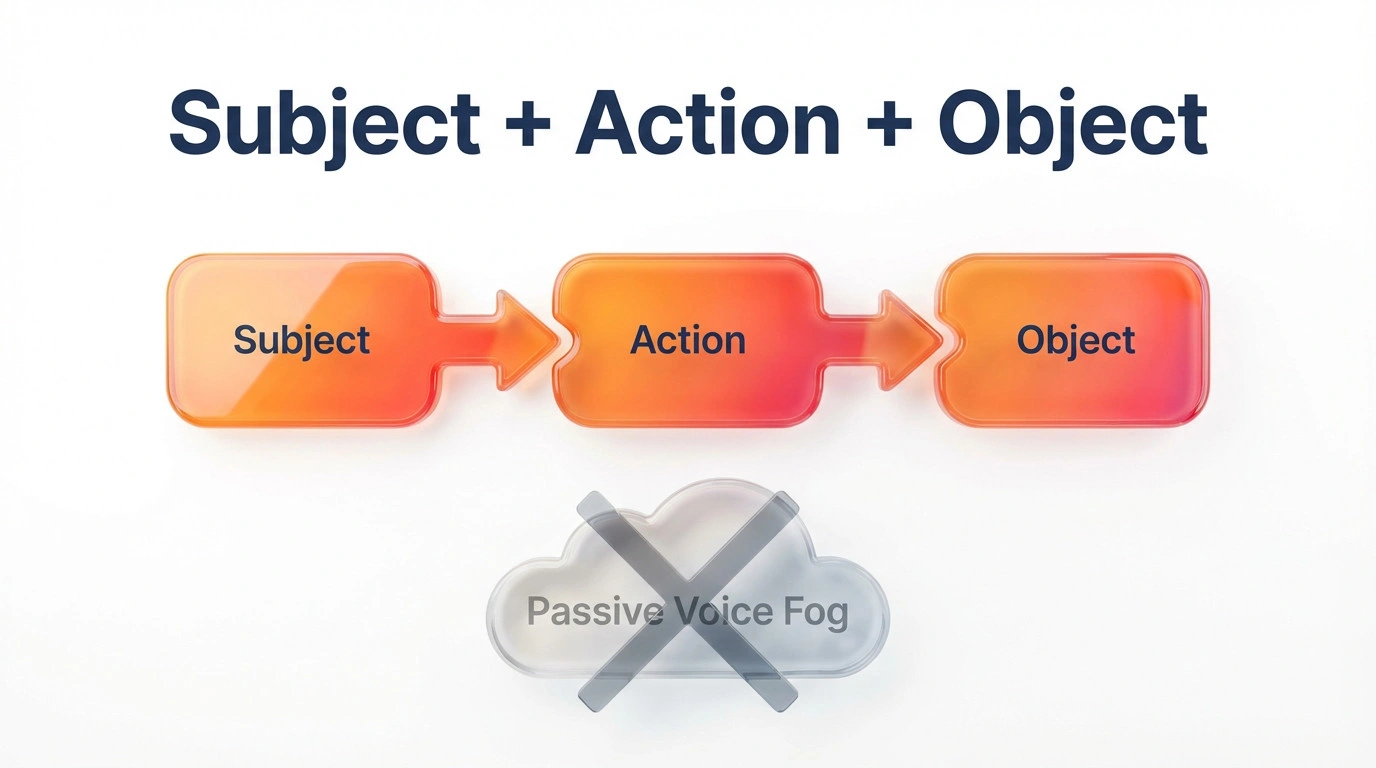
Machines struggle with ambiguity. Passive voice acts like a fog, obscuring who did what to whom. Instead of writing “The website was optimised by the team,” which forces the bot to hunt for the subject, write ” The Ulement team optimised the website.” This small shift reduces the processing load for the crawler. By keeping your syntax clean and direct, you effectively hand-feed the algorithm the facts it needs to cite you as the authority.
Textual Optimisation: Writing for the Extraction Layer
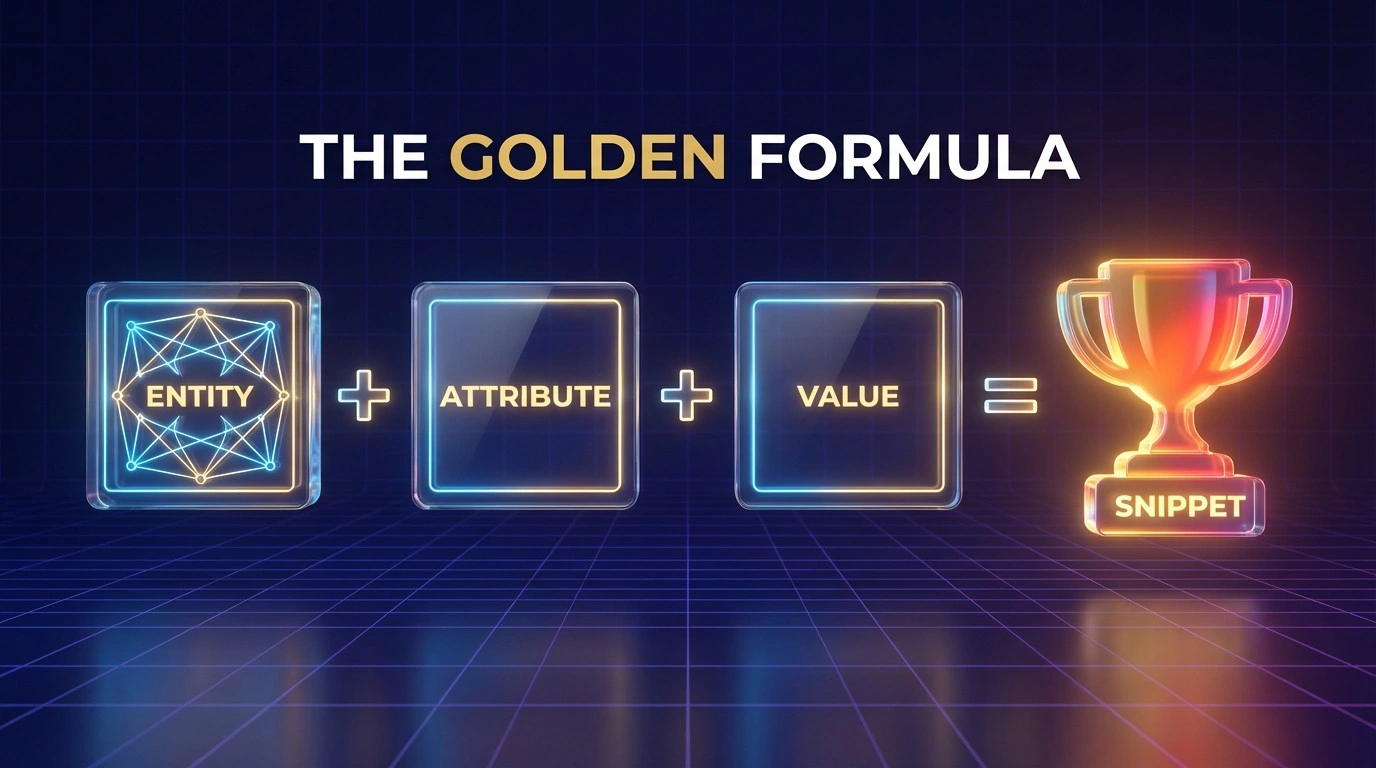
Paragraph Snippets are text-based answer blocks that typically appear for “what is,” “who is,” and “why” queries, averaging between 40 and 58 words in length. Ulement constructs these snippets using the Golden Formula: Entity, Attribute, Value – to maximize the probability of selection by Google’s ranking algorithms.
You might feel the urge to write long, flowing introductions, but algorithms prefer precision. The extraction layer of a search engine looks for a concise definition immediately following a heading. If you bury the lead, you lose the snippet.
The “Answer Gap” Technique
The Answer Gap is a content structuring strategy that places the direct answer immediately after the H2 heading, eliminating transitional fluff or irrelevant introductory text. Ulement utilizes this technique to reduce the “time-to-information” for bots, ensuring the core query is satisfied within the first sentence.
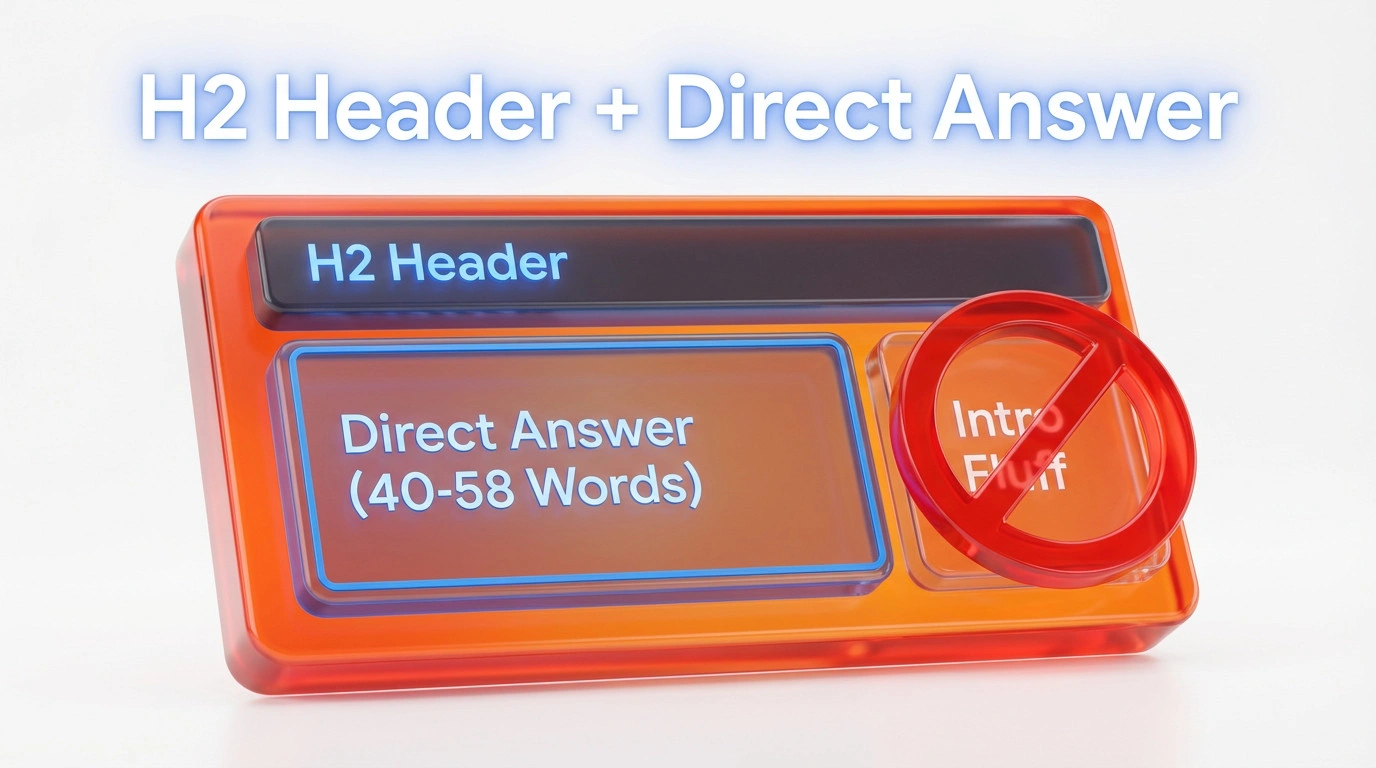
Avoid phrases like “In this article, we will explore…” or “Many business owners in Penang ask…” These are empty calories for a search engine. If the header is “What is a Domain Name?”, the very next sentence must be “A domain name is…” This directness signals to the bot that the content is a match for the query. You can expand on the nuance later, but you must win the extraction first.

How to Integrate GEO with SEO: A Complete Guide

The Complete Adaptive SEO Framework: Future-Proof Your Search Strategy

The Complete Google SGE Readiness Guide: Prepare Your Website for AI-Powered Search
HTML Structure & Hierarchy: Coding for Comprehension
HTML Hierarchy is the systematic arrangement of heading tags (H1-H6), lists, and tables that communicates the relative importance and relationship of content sections to search engine crawlers. Ulement enforces strict hierarchy protocols to prevent “heading confusion,” ensuring that every H3 is a logical subset of the preceding H2.
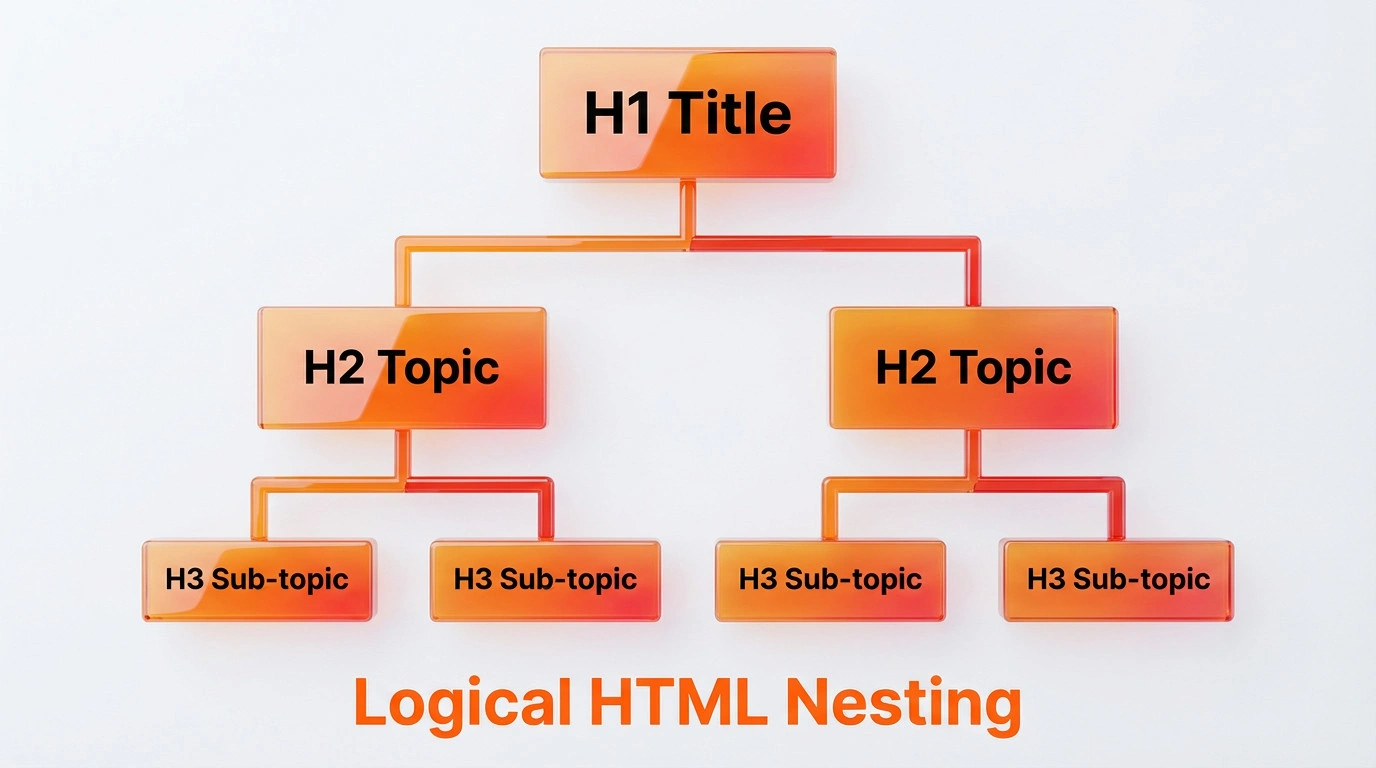
List Snippets: Correct HTML Nesting
List Snippets are search results that display a bulleted or numbered list, typically triggered by “how to,” “best,” or “steps” queries. Ulement optimises these by selecting the correct list tag—<ol> for sequential processes and <ul> for non-ranked items—to align with the user’s search intent.
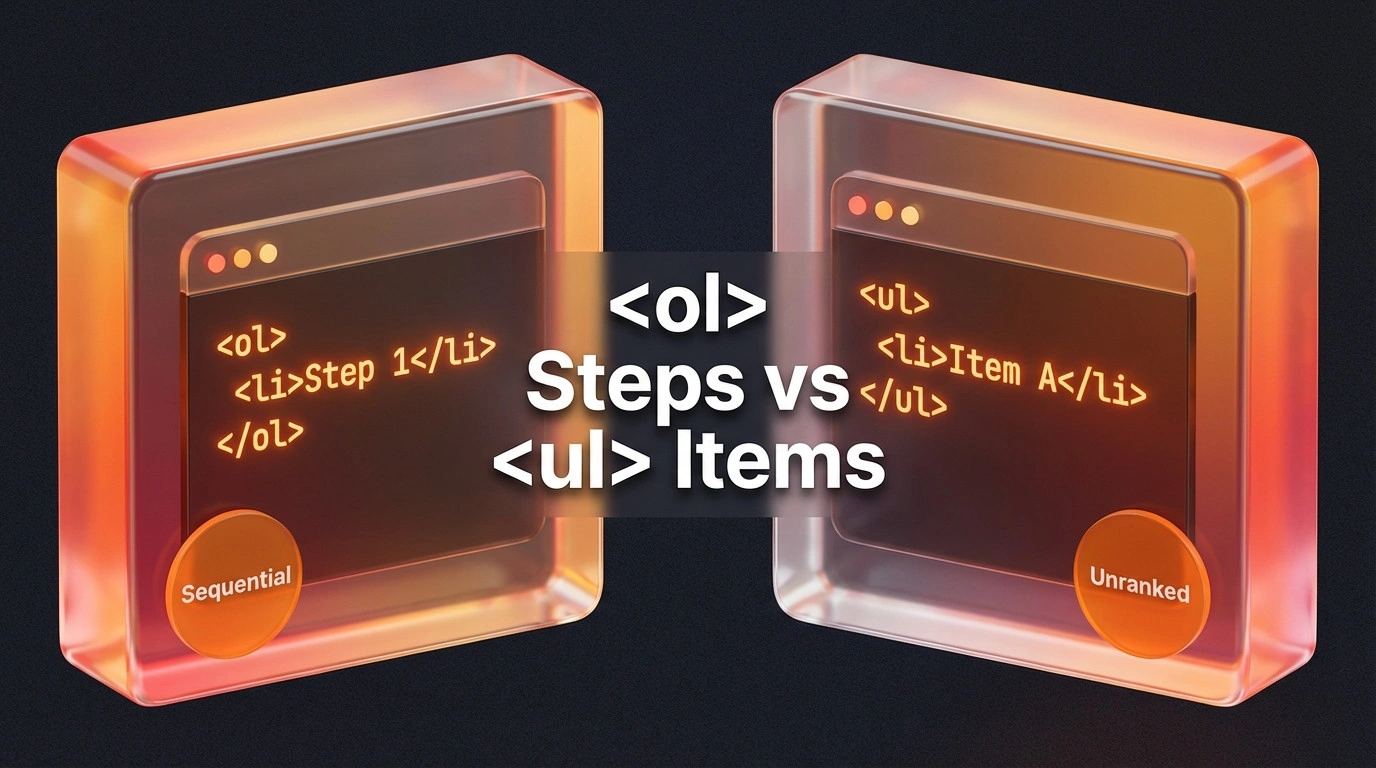
If you are explaining “How to Register a Business in Malaysia,” use an ordered list (<ol>) because step 2 cannot happen before step 1. If you are listing “Top WordPress Plugins,” use an unordered list (<ul>). Mixing these up confuses the bot about the nature of the content. Furthermore, nesting is critical. If a step has sub-steps, they must be coded as child list items, not just indented text. This preserves the logical flow for the parser.
Table Snippets: Clean HTML for Data Extraction
Table Snippets are grid-based search results that display data sets, comparisons, or pricing schedules directly in the SERP. Ulement creates these using clean <table> markup, avoiding CSS-based grids (divs) which are often unreadable to basic crawlers looking for structured data.
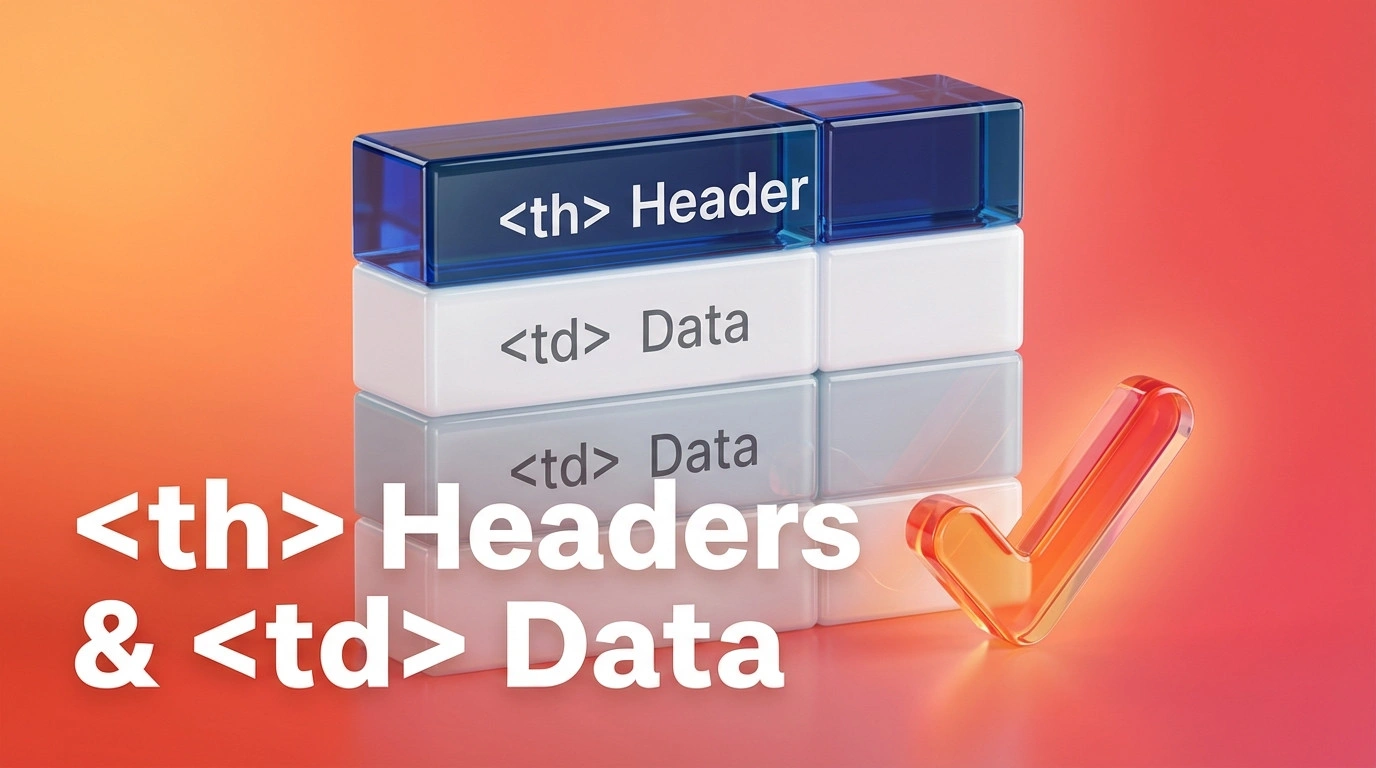
Designers often love <div> tables because they are easy to style, but SEOs hate them. A proper <table> tag tells Google, “Here is data.” Crucially, you must use <th> for headers and <td> for data cells. Without <th>, the engine doesn’t know which column is “Price” and which is “Service.” Always include a <caption> tag to give the table a title, like “SEO Pricing Packages in Kuala Lumpur (MYR).”
The Code Layer: Schema & Meta Control
Structured Data is a standardized format for providing information about a page and classifying the page content, using vocabulary from Schema.org. Ulement implements JSON-LD schema to explicitly tell search engines what the content represents, whether it is an article, a product, or a frequently asked question.
FAQPage & HowTo Schema
FAQPage Schema is a specific markup type that indicates a page contains a list of questions and answers, making them eligible for rich results in the SERP. Ulement applies this schema to pages answering three or more distinct questions, effectively expanding the visual real estate of the search result.
Think of schema as the subtitles for your content. While the visible text is for humans, the schema is a direct feed to the bot. For a “How-To” guide, we use HowTo schema to break down the process into Step entities. This allows Google to pull individual steps directly into the search results, sometimes even offering voice guidance on Android devices.
Robot Control: Managing Snippet Display
The max-snippet tag is a meta robot directive that defines the maximum number of characters Google should display in a text snippet. Ulement uses this tag (e.g., max-snippet:160) to encourage click-throughs by deliberately limiting the preview, enticing the user to visit the site for the full answer.
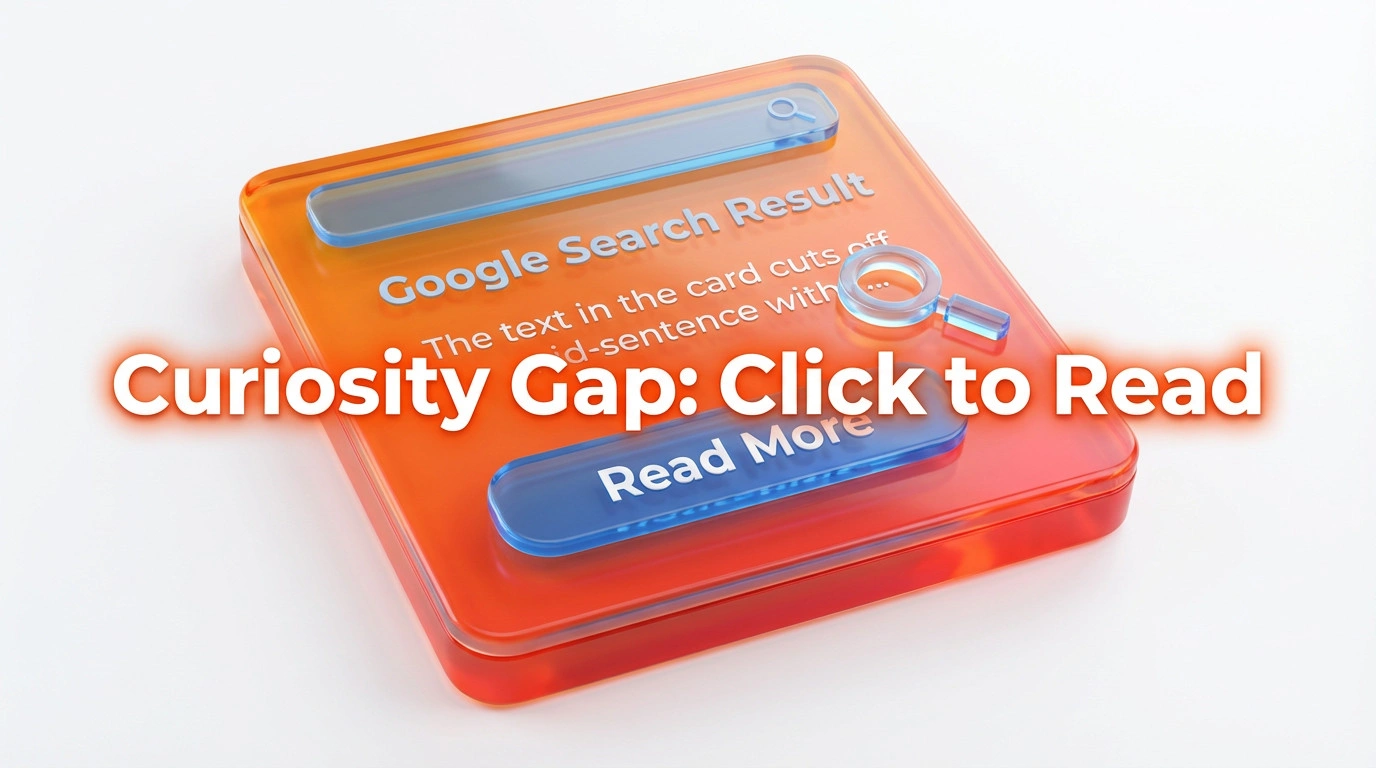
Sometimes, you don’t want to give it all away. If the snippet answers the question completely, the user has no reason to click. This is the “Zero-Click” dilemma. By setting a character limit, you can force a truncation (the “…” at the end), which creates a curiosity gap. Conversely, the data-nosnippet attribute is useful for hiding parts of the page you don’t want in the snippet, like legal disclaimers or navigation menus.

Technical SEO Architect: The Foundation for Enterprise Growth

Technical SEO Architecture: The Blueprint Before the Website Revamp
Media Optimisation for Rich Snippets
Video Key Moments
Video Key Moments are segmented markers within a video that allow search engines to direct users to a specific timestamp answering their query. Ulement optimises video content by creating clear, timestamped chapters in the description and using Clip schema to label these segments for retrieval.
If you upload a 20-minute tutorial on “WordPress Maintenance,” no one wants to scrub through to find the part about “Plugin Updates.” By adding timestamps (e.g., “04:20 – Updating Plugins Safely”), you effectively create mini-snippets within your video. Google indexes these chapters, allowing users to jump straight to the relevant section directly from the search results.
Image Optimisation for Text Snippets
The 4:3 Aspect Ratio is the optimal dimensional proportion for images appearing within Featured Snippets and Google Discover. Ulement recommends resizing key visual assets to 1200×900 pixels to ensure they are displayed correctly without awkward cropping in the snippet box.
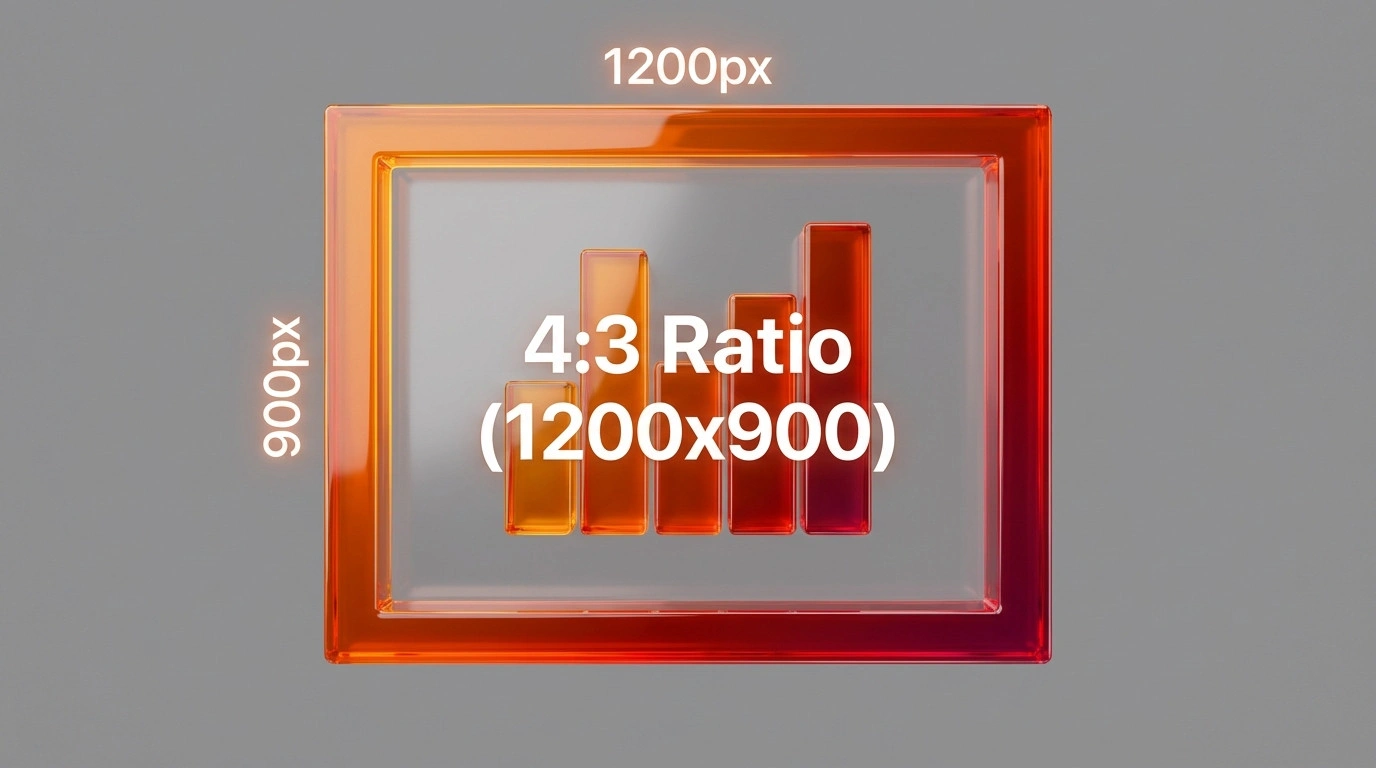
An image next to your text snippet increases the click-through rate significantly. However, Google often pairs your text with someone else’s image if yours isn’t readable. To prevent this, use high-contrast images with descriptive Alt Text. The Alt Text shouldn’t just say “Chart”; it should say “Chart showing SEO ROI growth in Malaysia 2026.” This reinforces the relevance of the image to the text answer.
Maintenance & Retention: The Technical Audit
Query Deserves Freshness (QDF) is a ranking algorithm component that prioritises newer content for queries where up-to-date information is critical. Ulement leverages QDF by regularly updating the “Last-Modified” HTTP headers and on-page dates to signal to search engines that the content remains current and relevant.
Troubleshooting Snippet Loss
Snippet churn is the phenomenon where a URL loses its Featured Snippet position to a competitor or reverts to a standard organic listing. Ulement diagnoses this by auditing the HTML structure for “formatting drift”—accidental code changes during CMS updates—and analysing the competitor’s syntax for structural advantages.
Losing a snippet feels like a demotion. Often, it happens because someone tweaked the page layout and broke the <h2> structure, or perhaps a competitor in Selangor wrote a more concise definition. To fix it, view the source code of the current winner. Did they use a list where you used a paragraph? Did they use a table? Mimic their structure but improve the data quality.

WordPress Security vs. Speed: How to Secure High-Traffic Sites
Quick Checklist: How to Win Featured Snippets
- Answer the question in the first 40-60 words of the section.
- Use clear H2 and H3 headings phrased as real user questions.
- Structure data with bullet lists, numbered steps, or comparison tables.
- Add FAQ and HowTo schema so crawlers can parse your answers.
- Keep sentences short and use plain, direct language.
For more on how Google selects these results, see the official Google Search Central guide to featured snippets.
Next Steps
The difference between ranking on page one and owning Position Zero is often a matter of HTML tags and sentence structure. Is your site ready to feed the Answer Engines?
Would you like me to audit a specific page on your site to identify Featured Snippet opportunities and provide the exact HTML changes needed?
Want to go deeper? Explore our SEO and GEO services to see how we structure pages for featured snippets and AI Overviews.
